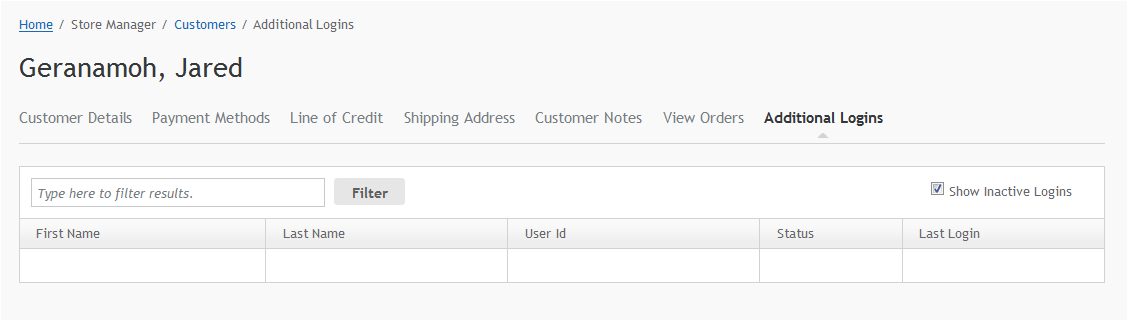
Line of Credit
Few businesses work in cash or the credit cards common for consumer websites. Commerce allows a Line of Credit for business customers to have payment on account. Your developer can integrate this line of credit into back-office accounting and ERP systems. This system can be configured to create and display credit limits, remaining credit balance, maximum order sizes or maximum sale allowed per login or single order. Depending on the configuration, Line of Credit orders can also be placed on hold until the back-office confirms a sale can go ahead or a CSR can review the order. See the Developer documentation for more information.
Once the Line of Credit is configured, you can access the information from the Admin User Interface through Store Manager > Customers > View Customers > Line of Credit: If the line of credit has not been configured, users will see a warning. Contact your developer for help.
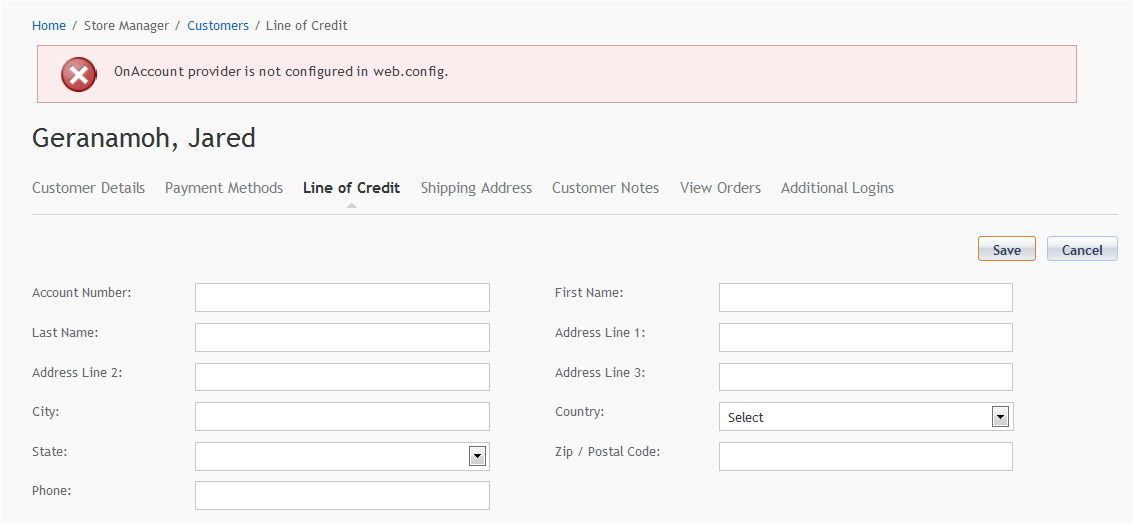
- Enter account information.
- Check Enable Line of Credit.
- Click Save .